AI & Product Design
AI has made interface production dramatically faster. The harder question is no longer how quickly a screen can be made, but whether it deserves to exist.
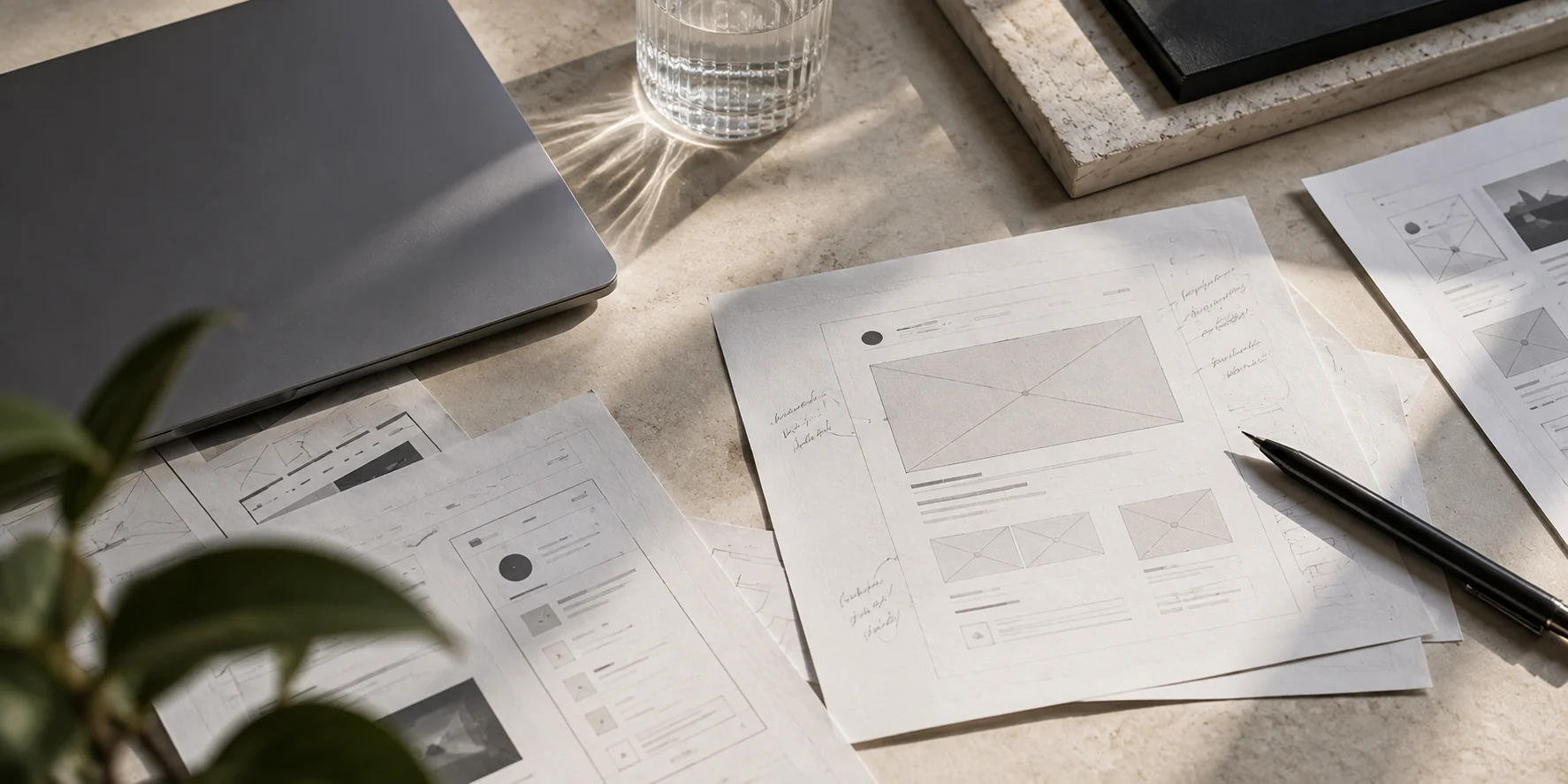
A convincing interface can make an uncertain idea feel settled. Put it in a browser, add realistic content and let someone click through it, and the conversation changes. A possibility starts to look like a plan.
AI makes that transition easier. This is useful: teams can explore alternatives without committing the same amount of production effort. But the cost of producing a proposal and the cost of choosing the wrong proposal are different things.
Our view is that AI compresses production time, which increases the value of judgment. AI product design becomes valuable when faster execution creates more room to understand a problem, test a direction and improve the product. Generating more screens is only one possible use of that time.
A generated interface is a proposal
Interface generation can translate a brief into layout, controls, content and interaction. It can offer variations and make a concept concrete enough to discuss. None of those achievements establishes that the brief describes the right problem.
Imagine a team asking for a dashboard to help managers approve expenses. A generated design might include spending charts, filters and an approval queue. It could be coherent and still miss the central difficulty: managers cannot tell whether a receipt belongs to an existing claim.
The useful intervention might be better matching, clearer transaction context or a change to the submission workflow. Another dashboard would make the current process more visible without resolving it. Treat generated UI as an answer to a particular framing, then examine that framing before accepting the answer.
Find the constraint that actually limits progress
Production speed is not irrelevant. A team with a clear direction and too little implementation capacity may benefit immediately from faster execution. The mistake is assuming every product problem is a production problem.
Sometimes the constraint is access to customers. Sometimes it is an unresolved business rule, unreliable data or disagreement about the product’s purpose. Generating interfaces around an unresolved constraint can hide it temporarily. The missing decision returns during testing, implementation or use.
Before accelerating a workflow, name what is holding it back. If a team cannot explain which user decision a screen supports, another variation is unlikely to help. If the decision is clear but difficult to express, rapid prototyping may be exactly the right next step.
This distinction also changes how progress should be reported. A prototype that reveals a bad assumption may advance the product more than a polished feature that preserves it. The artifact count cannot tell those outcomes apart.
Frame the problem before specifying the surface
A useful problem statement describes a person, a situation and an obstacle. It should be possible to understand it without mentioning a modal, dashboard or AI assistant. Those are potential solutions, not evidence that the problem exists.
For the expense example, the framing could be: a manager needs to judge whether a claim is valid, but the relevant evidence is split between receipts, policy and prior submissions. That statement gives the team something to investigate. Where does uncertainty arise? What information resolves it? Who has access to that information?
AI can help organize questions, compare approaches or challenge a draft brief. It should not become a substitute for contact with the actual workflow. A plausible description of user behavior remains a hypothesis until the team has a reason to trust it.
Prioritization becomes more important when ideas are cheap
When an idea is easy to demonstrate, it becomes harder to dismiss on production cost alone. Teams need a stronger basis for deciding what belongs in the product.
Evaluate proposals against the task they improve, the users they serve and the complexity they introduce. A feature may take little time to generate but create a lasting obligation: another setting to explain, another permission to manage, another path to maintain.
Consider an approval tool with several optional automation modes. Each mode may sound helpful in isolation. Together, they require users to predict how the system will behave before they understand the process. One well-chosen default and an understandable override may offer more value.
Prioritization includes subtraction. A team should be able to say that a prototype was useful because it showed why a feature should not ship. That is a legitimate product decision, even when the interface already looks finished.
Use the saved time to inspect behavior
The normal state of a screen is only a small part of its responsibility. What happens when data is missing, the user lacks permission or a request finishes after they have moved elsewhere? Can someone recover from an incorrect action without starting again?
These questions are especially useful during AI UX design because generated output can look complete before its behavior is complete. Ask for states and transitions explicitly. Then inspect them as part of a task, not as a gallery of isolated images.
Usability also needs direct attention. Can someone identify the next step? Do labels match the language of the work? Does the interface reveal enough context to support a decision? A polished arrangement of familiar components does not answer those questions by itself.
Consistency deserves the same scrutiny. Generated features should use the product’s established patterns unless there is a reason to change them. Otherwise, every rapid experiment can introduce a slightly different explanation of the same action.
Give designers responsibility for the decision
The opportunity is to spend less time reproducing known patterns and more time making uncertain decisions explicit. That includes observing workflows, writing clearer requirements, reviewing edge cases and testing whether a proposed simplification actually helps.
It also means involving developers and product managers before a generated interface hardens into a commitment. A constraint discovered early can improve the concept. Discovered late, it is more likely to become an awkward exception.
This is why we see the product designer’s role expanding. Faster production gives the team more options, but options still need interpretation. Someone must connect the proposed interface to user needs, business priorities and the product’s existing behavior.
For the next generated feature, ask three questions before counting it as progress: what uncertainty did it resolve, what task did it improve, and what new complexity will it require someone to carry? The answers matter more than how quickly the screen appeared.